 ko
ko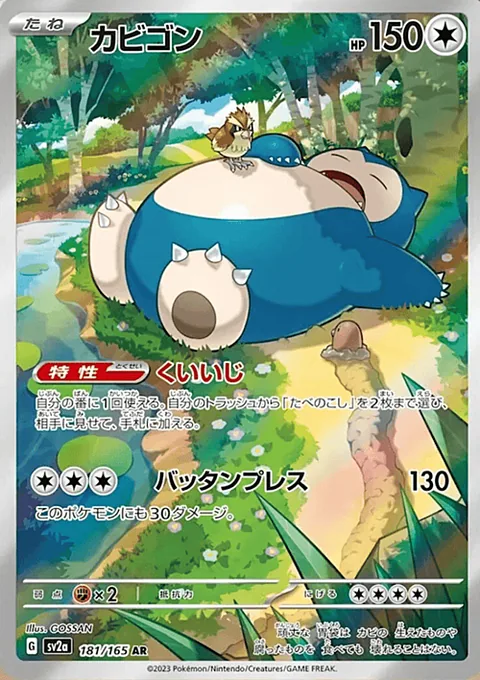

1. Decide what the batch is for
Open Scan Connect on your desktop and choose collection or listing intent. Collection intent is for cards you own and want to keep. Listing intent is for sale stock. Choose the game and catalog that fit the cards.
2. Pair your phone
Use the scan desk’s QR code or pairing code to connect your phone. Follow the camera-permission prompt in your phone browser. Keep the phone on the scanning page while the desktop holds the review queue.
If a pairing code expires or the session disconnects, use the scan desk’s reconnect flow rather than sharing the pairing link publicly.
3. Scan a small group
Place one card clearly in view and check that the scanner can see its face. Avoid glare across the artwork or printed number. Let recognised cards enter the desktop queue, then pause to review a few before continuing.
4. Check the printing and the physical copy
Compare the name, expansion, printed collector number, and artwork. Check language and foil or other relevant attributes. Set the condition yourself after inspecting the physical copy; recognition is not condition grading.
Check quantities and duplicate rows. If two cards look alike, make sure you are recording the same printing before merging or increasing a quantity.
5. Confirm the right destination
Review the complete batch before submitting. Collection intent adds ownership without an asking price. For listings, check the price and required stock details before confirming.
Open your collection or My Pokoin afterwards and verify a few rows against the physical pile. Use storage locations that you can recognise when you need to retrieve a card.
When a scan needs another look
If recognition is uncertain, compare the printed details and search the catalog manually. Reprints and similar artwork can lead to different catalog entries. Keep uncertain cards aside until you have verified the printing rather than saving the first suggestion.
Common questions
Should I scan my whole collection before checking the results?
Start with a small group. Verify the printing, condition, language, finish, and quantity before working through a larger batch.
Should I choose collection or listing intent?
Choose collection for ownership without an asking price. Choose listing only for stock you intend to offer for sale after reviewing the required attributes and price.